

















Table of Contents
- Key Points
- Introduction to AI Chatbot Development with Botpress
- Setting Up Your Botpress Account [t:54]
- Creating Your First AI Chatbot with Botpress
- Botpress Pricing: Free Tier and Paid Plans
- Pros and Cons of Using Botpress for Chatbot Development
- Key Features of Botpress for Chatbot Development
- Use Cases for AI Chatbots on WordPress Websites
- Frequently Asked Questions (FAQ)
- Related Questions


Setting Up Your Botpress Account [t:54]
Accessing the Botpress Website
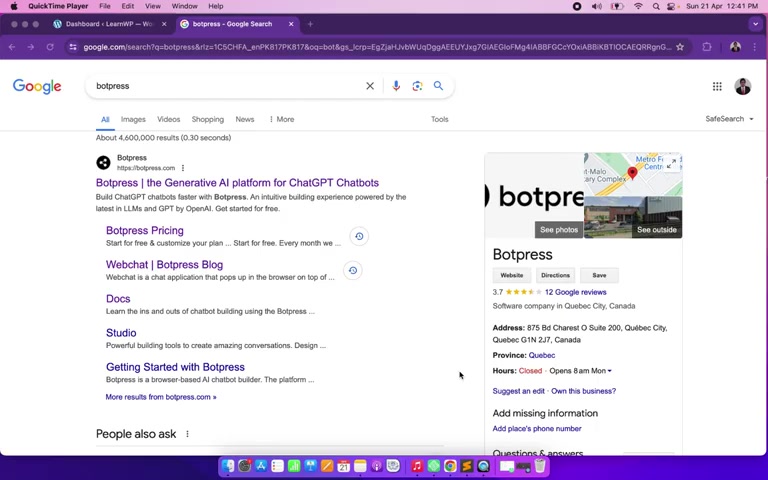
To begin, navigate to the Botpress website. This is your starting point for creating and managing your AI chatbots. The website provides access to the Botpress platform, documentation, and community resources. From here, you can either sign up for a new account or sign in if you already have one.
Website: botpress.com
Signing Up or Signing In
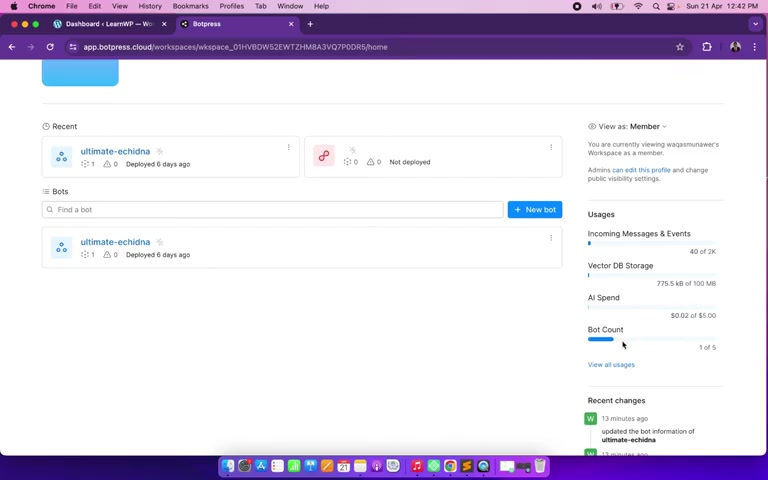
If you're a new user, you'll need to sign up for a Botpress account. The signup process is straightforward and requires basic information such as your name, email address, and a secure password. If you already have an account, simply sign in using your credentials. Once you're logged in, you'll gain access to the Botpress dashboard, where you can create and manage your chatbots.
Understanding the Botpress Dashboard
The Botpress dashboard is your central hub for chatbot development. It provides an overview of your account, including your workspace, chatbots, and usage statistics. From here, you can create new chatbots, manage existing ones, and access various settings and integrations. The dashboard also provides valuable insights into your chatbot's performance, allowing you to track key metrics such as message volume, user engagement, and conversation success rate. This data can help you optimize your chatbot's performance and improve user experience.
Creating Your First AI Chatbot with Botpress
Starting a New Bot
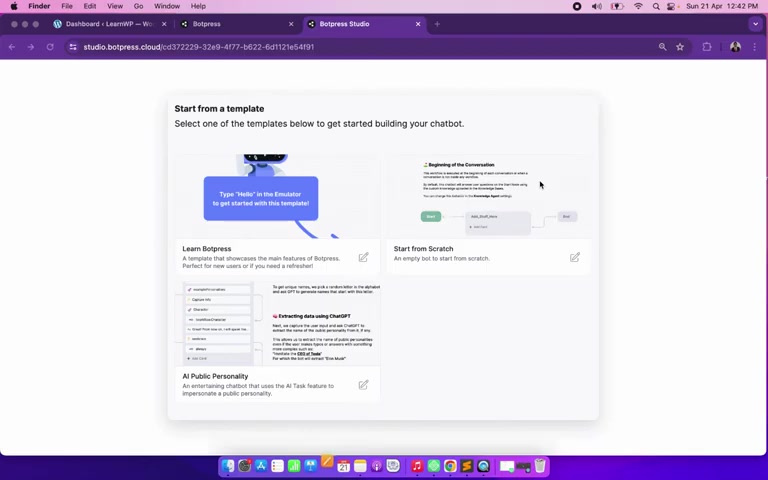
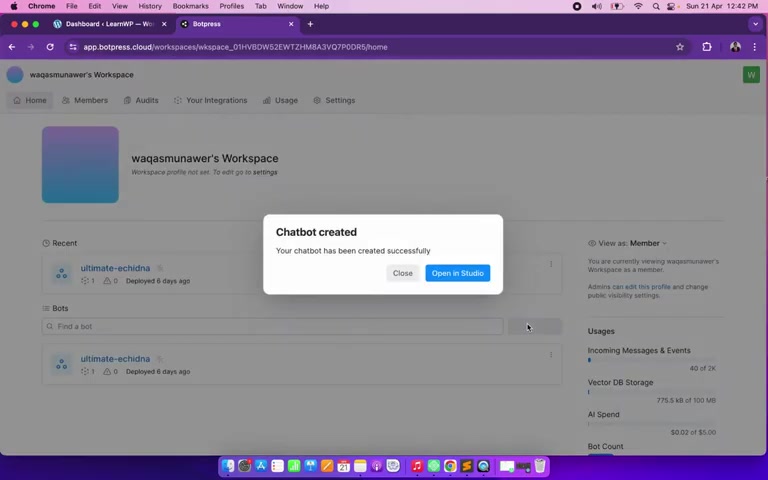
To create a new chatbot, click on the "Create Bot" button on the Botpress dashboard. This will launch the chatbot creation wizard, which will guide you through the process of setting up your new chatbot. You'll need to provide a name for your chatbot and select a template or start from scratch. For this Tutorial, we'll start from scratch to gain a deeper understanding of chatbot development.
Steps to Create a New Bot:
- Click on the "Create Bot" button.
- Enter a name for your chatbot.
- Select "Start from Scratch."
Navigating the Flow Builder
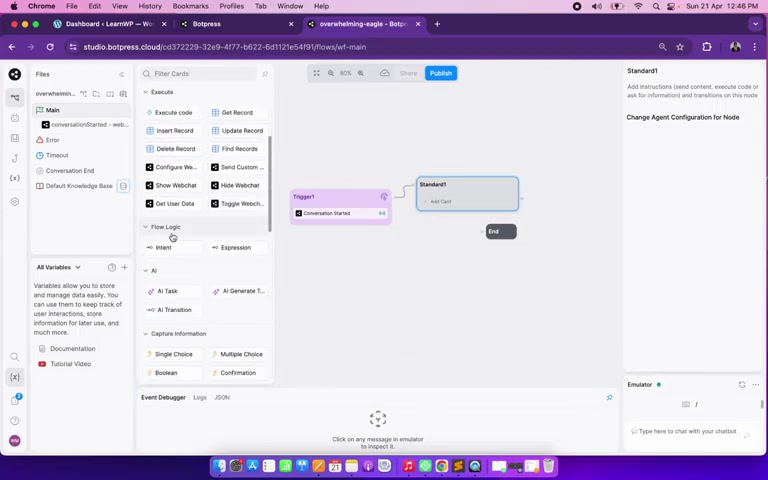
The flow builder is the heart of Botpress, where you design the conversational flow of your chatbot. It provides a visual interface for creating nodes, connecting them, and defining the logic of your chatbot's responses. The flow builder consists of a canvas where you can drag and drop nodes, a sidebar with available nodes and settings, and a toolbar with various editing tools. Understanding the flow builder is essential for creating complex and engaging chatbot conversations.
Key Elements of the Flow Builder:
- Canvas: Drag and drop nodes to design the conversational flow.
- Sidebar: Access available nodes and settings.
- Toolbar: Use various editing tools to customize your chatbot.
Adding Triggers
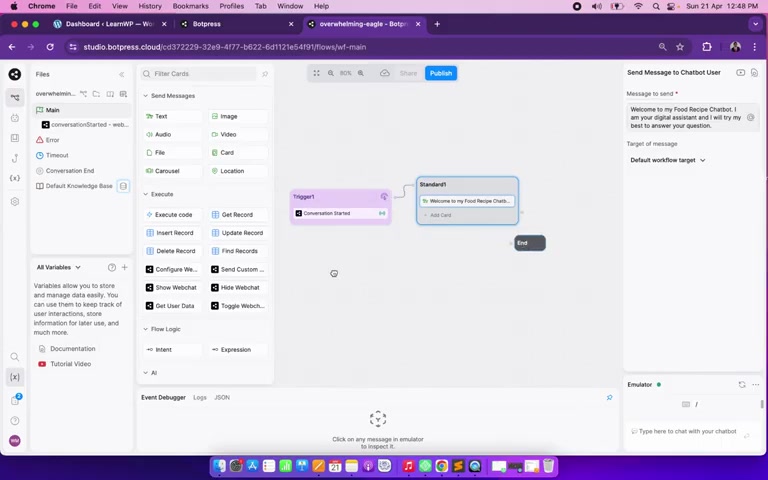
Triggers define when your chatbot should be activated. They can be based on user input, events, or other conditions. For example, you can create a trigger that activates your chatbot when a user types "hello" or clicks on a specific button. To add a trigger, drag and drop a "Trigger" node onto the canvas and configure its settings. You can specify the type of trigger, the conditions that activate it, and the actions that should be performed when the trigger is activated.
Steps to Add a Trigger:
- Drag and drop a "Trigger" node onto the canvas.
- Configure the trigger settings.
- Specify the type of trigger and its conditions.
- Define the actions to be performed when the trigger is activated.
Adding Standard Nodes
Standard nodes are the building blocks of your chatbot's conversational flow. They perform various actions, such as sending messages, asking questions, collecting data, and executing code. To add a standard node, drag and drop a "Standard Node" onto the canvas and connect it to a trigger or another node. You can then configure the node's settings, such as the message to be sent or the question to be asked.
Steps to Add a Standard Node:
- Drag and drop a "Standard Node" onto the canvas.
- Connect the node to a trigger or another node.
- Configure the node's settings.
- Specify the actions to be performed by the node.










Most people like

























Report
Please select a reason for reporting
- 13 Reasons to Switch from Snapchat to Text Messaging
- 7 Powerful Speech to Text Apps to Boost Productivity
- 10 Best Speech to Text Tools for Effortless Transcription
- 13 Free Tools to Easily Transcribe Audio to Text
- 15 Surprising Ways Google's Speech-to-Text Boosts Productivity
- 7 Best Free Online Audio to Text Transcription Tools
- 9 Tips to Transcribe Speech to Text Faster and Better
- 13 Best Speech to Text Software for Windows 10 in 2023
- 7 Tips for Choosing the Best Transcriber for Audio to Text
- 11 Reasons Why Dragon Speech-to-Text Apps are Game-Changers
- 6 Secrets to Enhance Your Speech to Text Transcription
- 6 Brilliant Ways to Boost Productivity with Talk-to-Text on Your MacBook
- 6 Ways Transcription Software Converts Audio to Text
- 8 Tips to Transcribe Speech to Text Like a Pro
- 6 Reasons IBM Watson Speech to Text is a Game-Changer
- 14 Powerful Ways Talk-to-Text Improves Your Workflow
- 12 Top Windows Speech-to-Text Software for Efficient Transcription
- 12 Game-Changing Benefits of Apple's Speech to Text Technology
- 9 Powerful Use Cases for AWS Speech to Text Technology
- 10 Easy Steps to Transcribe YouTube Videos to Text
- transcription audio en texte
- online audio transcription
- free audio file transcription
- free ai audio transcription
- audio transcription service
- audio transcription online free
- audio transcription free online
- audio to transcription software
- audio and transcript
- ai audio transcription free
- voice recording to text converter
- translate voice recording to text
- record voice to text
- audio recording to text converter
- voice recording and transcription
- chatgpt voice to text
- gmail voice to text
- speech to text reader
- speech to text ai free
- speech to talk
- Revolutionizing Storytelling: From Novels to Screenplays with AI
- Create Engaging Animated Explainer Videos with a Free AI Tool
- Stop Multi-Subscribing: Benchmark Top AI Visual Models in One Canvas
- Best Seedance 2.5 API Provider: Every Price on the Market, Checked at Source
- AI OnlyFans: How to Generate $30,000/Month (Legally)
- Transform Your Script into an Engaging Video with AI Video Maker!
- AI Marketing Automation: A Comprehensive Guide for Small Businesses
- Midjourney Alternative for Anime Art Creators: Why PixAI May Be Better for Character Workflows
- 10 Things Most People Get Wrong About AI Image Search
- AI Girlfriend Apps: Top Choices Redefining Relationships 2025
- Master the Art of Reaching Out to Brands as a UGC Creator
- Leadership Lessons from Momentive CEO
- Top 4 AI Platforms to Upscale Video: Features, Similarities, and My Honest Verdict
- Top 4 AI Style Transfer Tools to Transform Your Digital Art in 2026
- Python Random Name Generator Tutorial
- Generate Unique Names with Python Random Name Generator
- Code a JavaScript Name Generator
- Create a Fun Name Generator App - Easy JavaScript Project!
- Experience Roblox's Avatar Creation for Karl Jacobs!
- May TBR Game: How a Letter Generator Chooses My Reads

Copyright ©2026 toolify