

















Table of Contents
- Key Points
- Introduction to Scriptify: Text to Handwriting
- Diving Deeper into Scriptify’s Features and Functionality
- How to use Scriptify
- Pricing
- Pros and Cons
- Core Features
- Use Cases
- FAQ
- Related Questions


Introduction to Scriptify: Text to Handwriting
What is Scriptify?
Scriptify is an innovative tool designed to convert Typed text into realistic Handwriting.
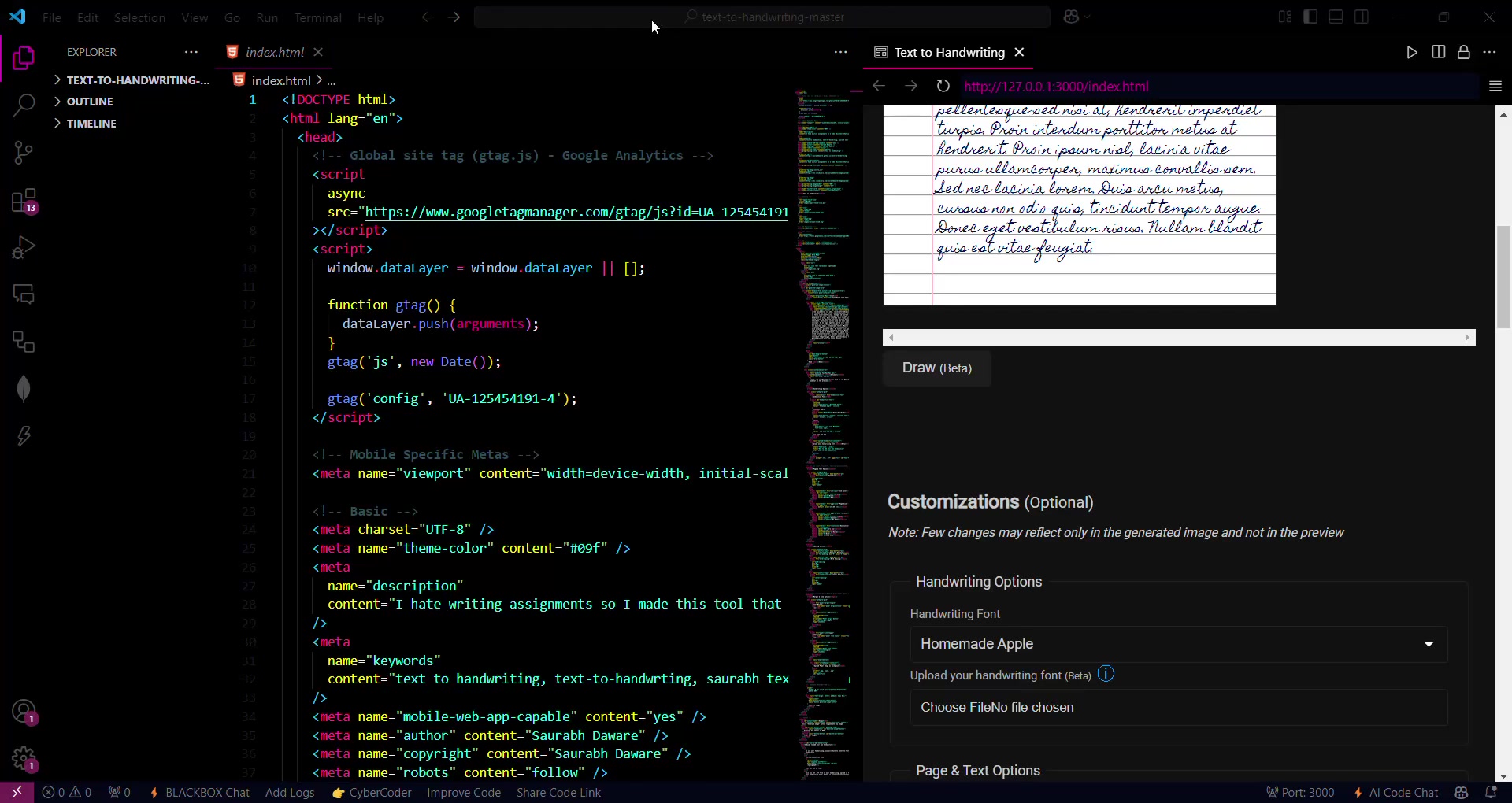
It addresses a common need, especially in academic settings, where handwritten assignments are often required. Scriptify helps users transform digital text into a personalized, handwritten format, giving a unique touch to every document. This is especially useful for those who dislike handwriting or want to save time while still meeting assignment requirements. By utilizing customizable settings, Scriptify enables users to emulate various handwriting styles, ink colors, and paper textures, thus creating a highly personalized and authentic look.
The Problem Scriptify Solves
Many students and professionals often rely on copy-pasting text for assignments, which lacks a personal touch. Scriptify offers a solution by enabling users to convert text into a unique handwriting style
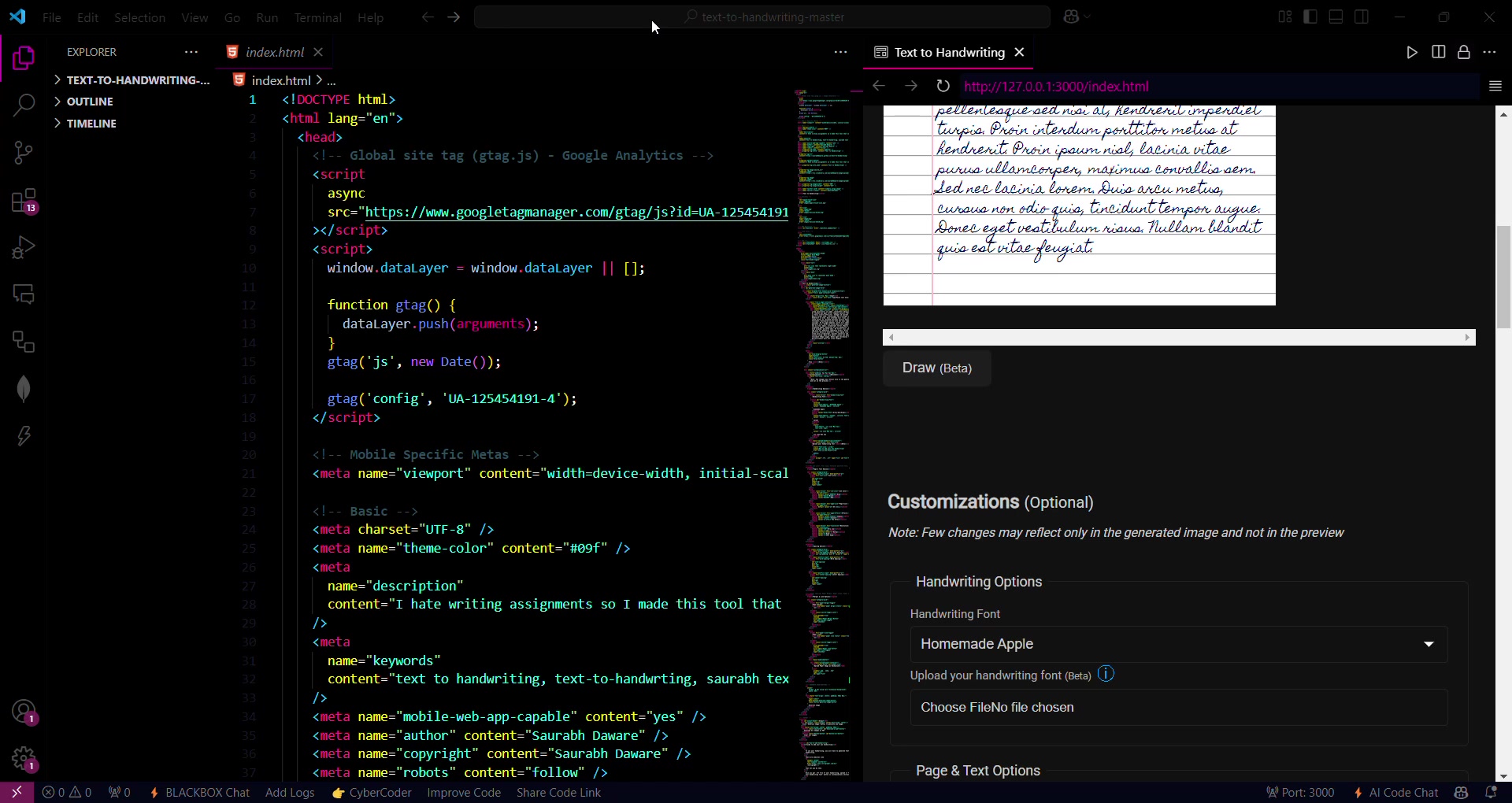
. This is especially useful in situations where handwritten submissions are mandatory, but the individual may not have the time or desire to physically write out the document. By converting digital text to a handwritten image, Scriptify maintains a personal touch while saving time and effort.
Diving Deeper into Scriptify’s Features and Functionality
Personalizing Your Output: Font and Style Options
Scriptify allows users to personalize their generated handwriting in numerous ways. First and foremost, you can select from a range of pre-existing handwriting fonts to determine the base style of your output.
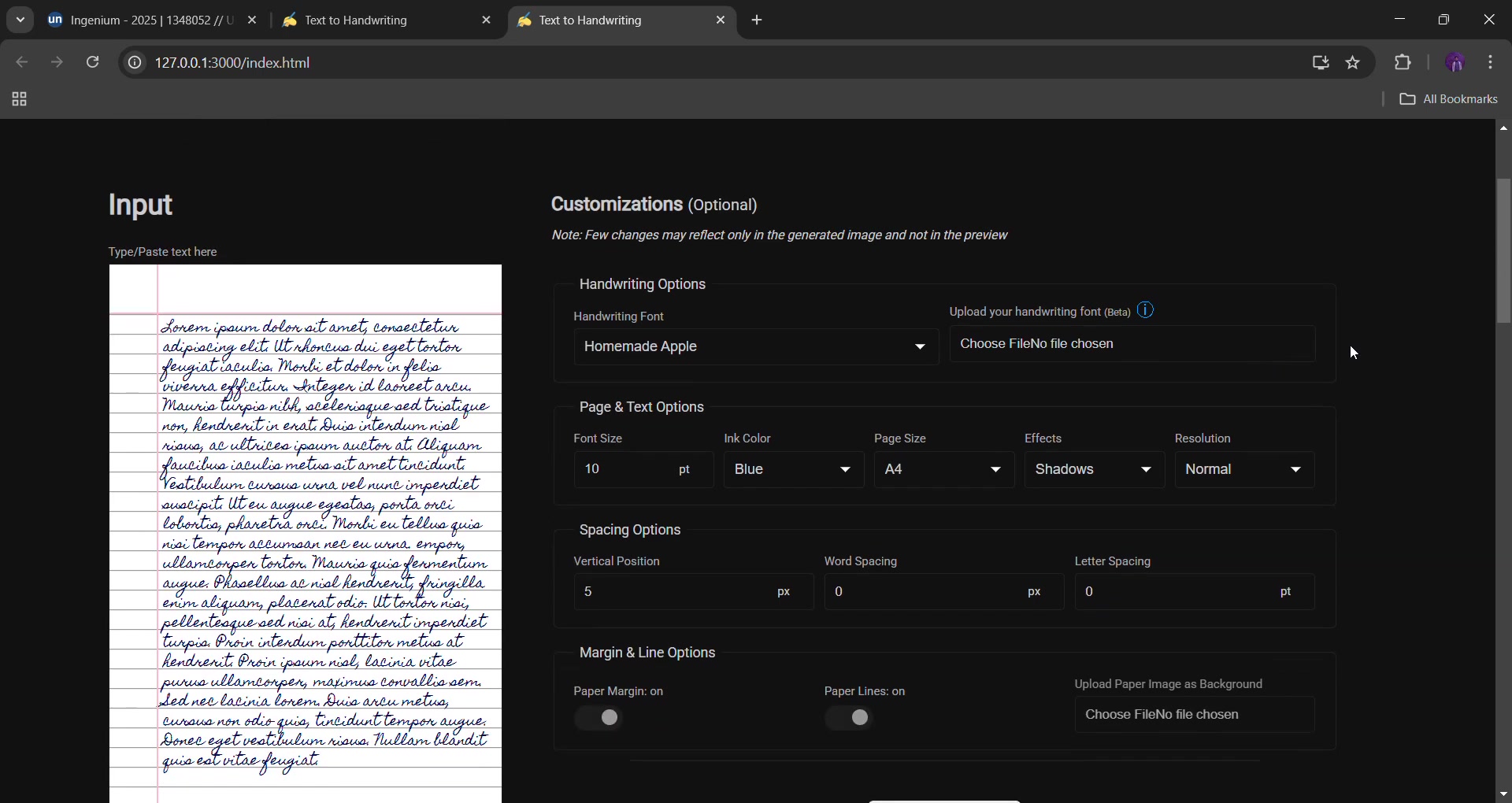
Furthermore, you have the option to upload your own handwriting font, ensuring a completely unique and authentic result. This involves using tools like Calligraphr, which lets you create a .TTF (True Type Font) file from your own handwriting
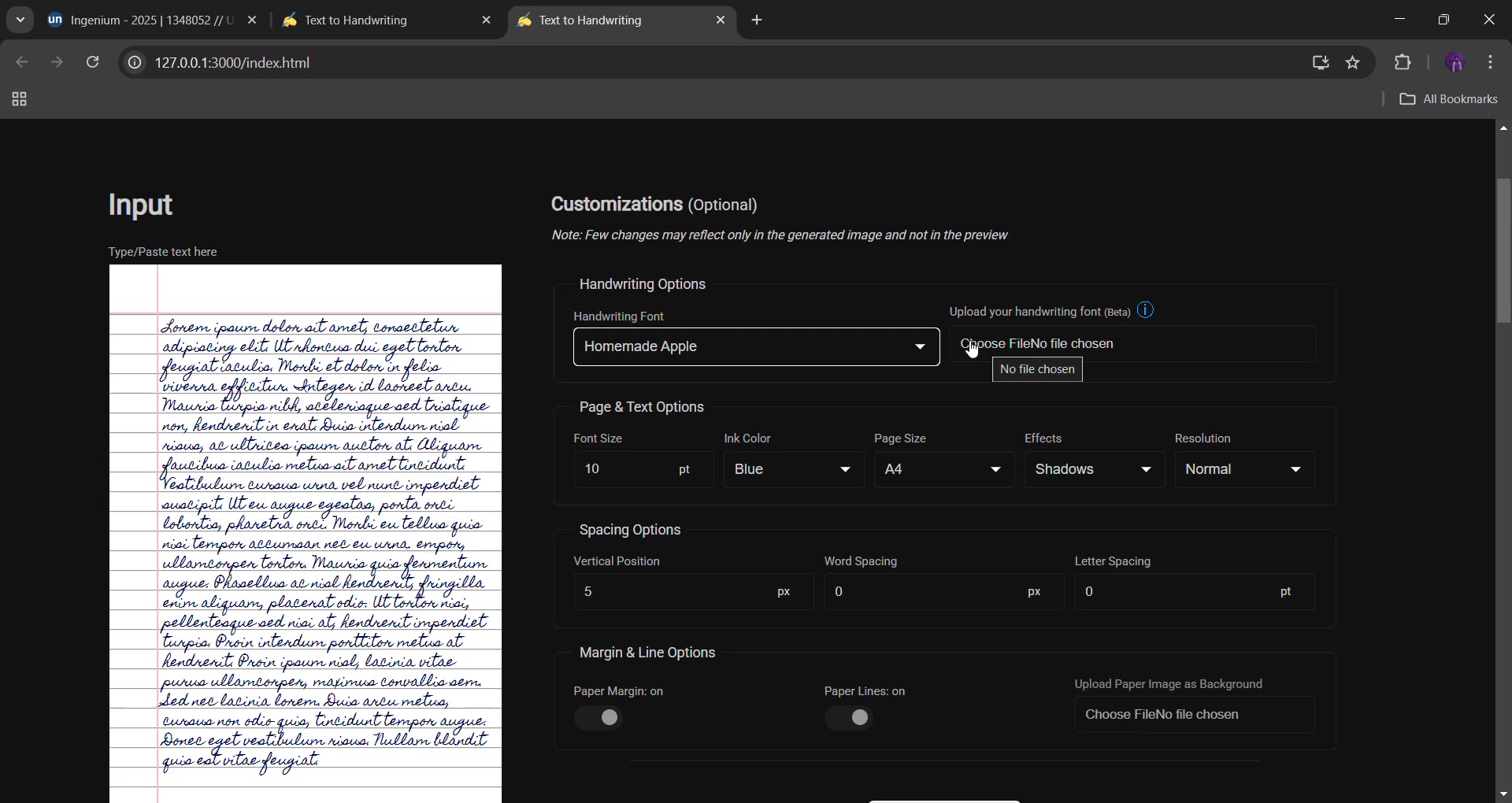
. This file can then be uploaded to Scriptify to convert text into your personal handwriting. Beyond fonts, you can adjust the font size, ink color (choosing from blue, black, or red), and paper size (A4, A5, etc.). Effects like shadows or scanner-like textures can be added for realism . The resolution can also be adjusted, providing control over the image quality, from very low to very high. These customizations collectively enable users to generate handwriting images that closely mimic real-world handwriting.
Fine-Tuning the Details: Spacing and Margin Options
Scriptify goes beyond basic font and color settings by offering extensive control over spacing and margin options
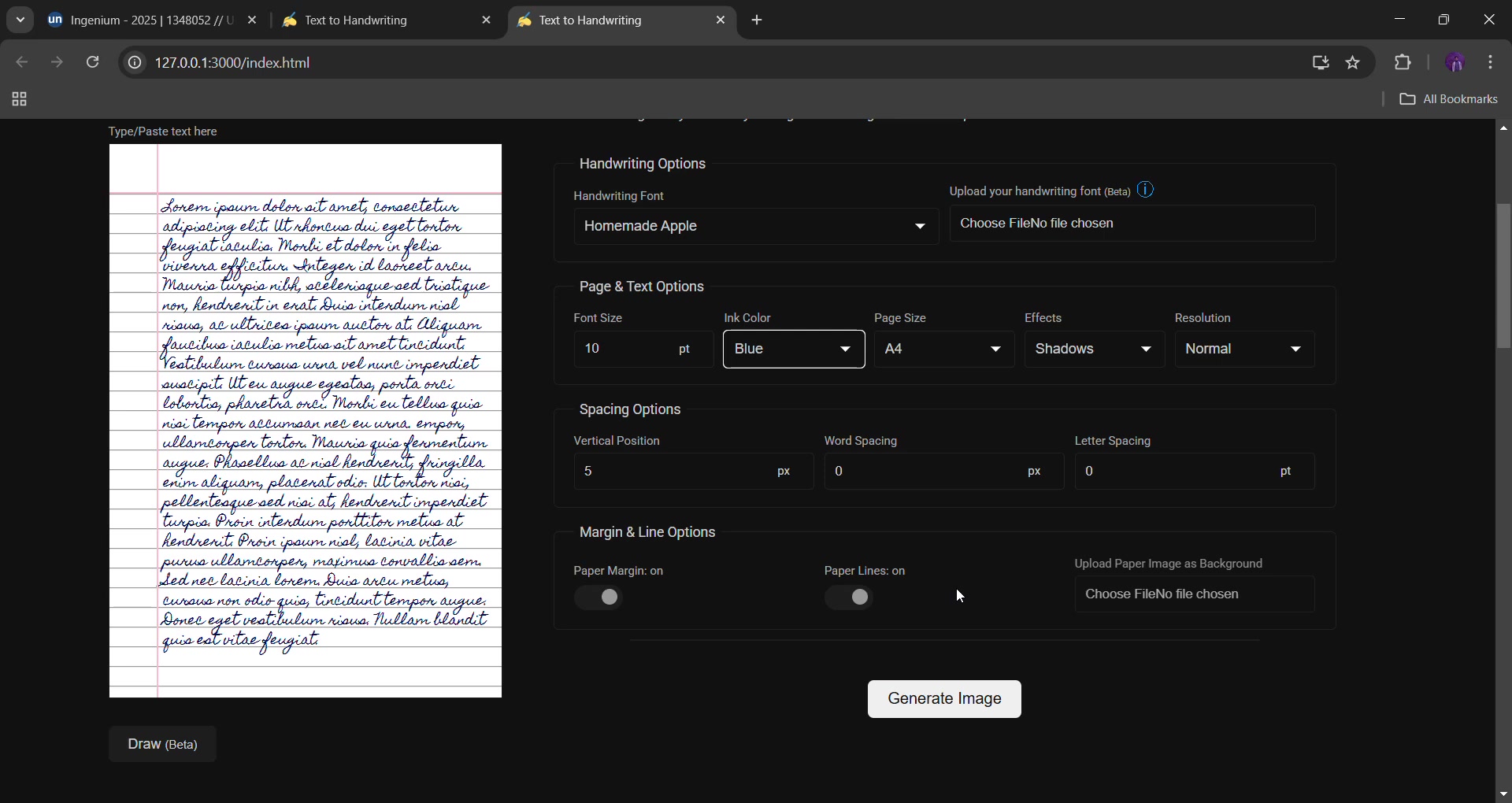
. Users can adjust the vertical position, WORD spacing, and letter spacing to achieve the desired layout. This is especially helpful in emulating the irregularities found in genuine handwriting, making the output look more authentic and less computer-generated. Margin options, including paper margin and paper lines, further enhance the realistic look by mimicking the appearance of writing on lined or margin-defined paper. The flexibility in these settings allows for precise control over the final output, ensuring the generated handwriting matches the user’s specific aesthetic preferences.
Unique Feature: Uploading Paper Images as Background
One standout feature of Scriptify is the ability to upload a paper image as the background
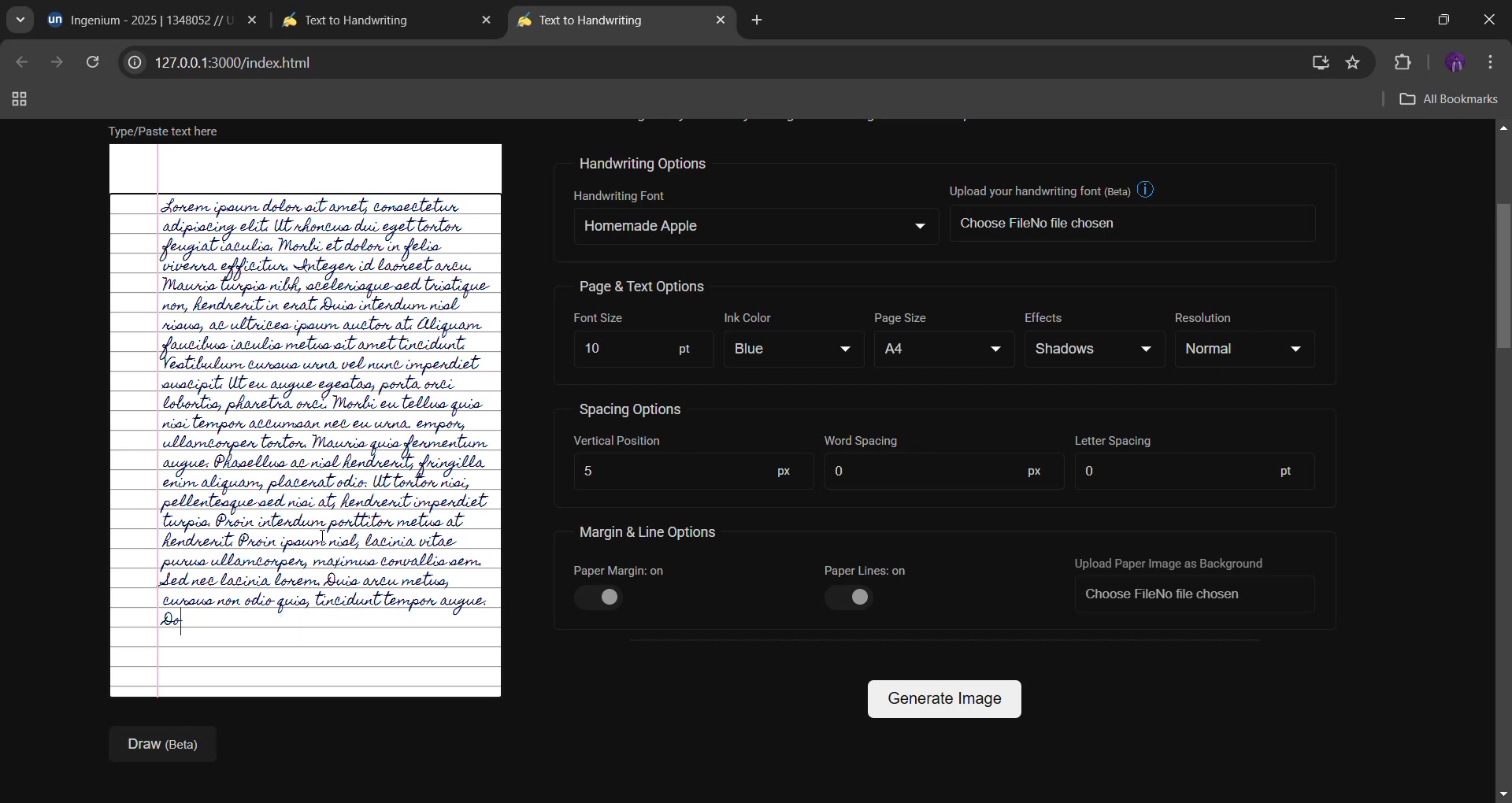
. This feature is particularly useful when a teacher or client requires assignments to be completed on specific types of paper, such as A4 or A5 sheets, or even colored paper like yellow. Instead of being limited to standard white backgrounds, users can upload an image of the required paper, ensuring the generated handwriting perfectly matches the specified format. This innovative functionality adds an extra layer of authenticity, making it virtually indistinguishable from actual handwriting on real paper. It provides users with the flexibility to meet specific submission requirements without compromising on quality or convenience.
How to use Scriptify
Step-by-Step Guide to Converting Text to Handwriting
Here’s how you can start using Scriptify to transform text into your own unique handwriting:
Step 1: Open Scriptify in your web browser
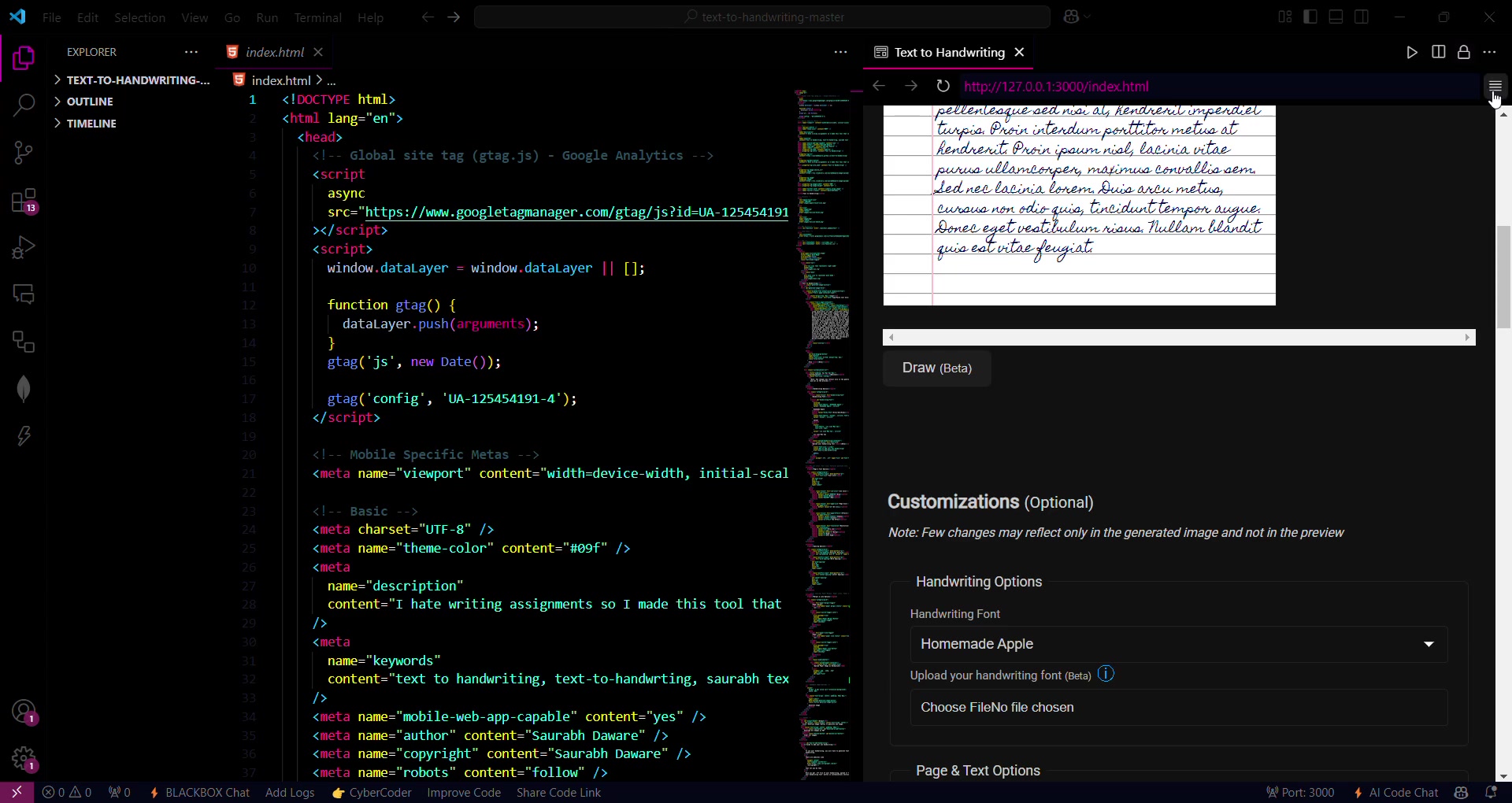
. Start by opening the Scriptify tool in your web browser. This will typically involve navigating to the Scriptify URL on your local host.
Step 2: Select handwriting font. Then choose your handwriting font option to start with cursive or another desired font type. If you have your unique .TTF file you can also upload
Step 3: Upload Your Own Handwriting Font (Optional). Generate your .TTF through other website like Calligraphr where they will give you sheet to write your own handwriting and upload it to their website.
Step 4: Customize Page and Text Options . Modify the font size, ink color, paper size, effects (shadows, scanner), and resolution to your preferences.
Step 5: Adjust Spacing Options . Set the vertical position, word spacing, and letter spacing for a customized look.
Step 6: Configure Margin and Line Options . Enable or disable paper margin and paper lines to match your desired paper style.
Step 7: Upload Paper Image as Background (Unique Feature). Utilize the unique feature to upload a specific paper image as the background if needed .
Step 8: Input Your Text . Copy and paste your assignment text or any text you want to convert into the input section.
Step 9: Generate the Image . Click the "Generate Image" button to create the handwritten version of your text.
By following these steps, you can transform any digital text into personalized handwritten images with Scriptify, saving time while maintaining a personal touch.
Use Cases
How Scriptify Can Be Applied in Various Scenarios
Scriptify’s versatile features make it suitable for various use cases, from academic assignments to personalized communications. Here are a few key scenarios where Scriptify can be particularly valuable:
- Student Assignments: Convert typed assignments into realistic handwritten submissions to meet specific academic requirements
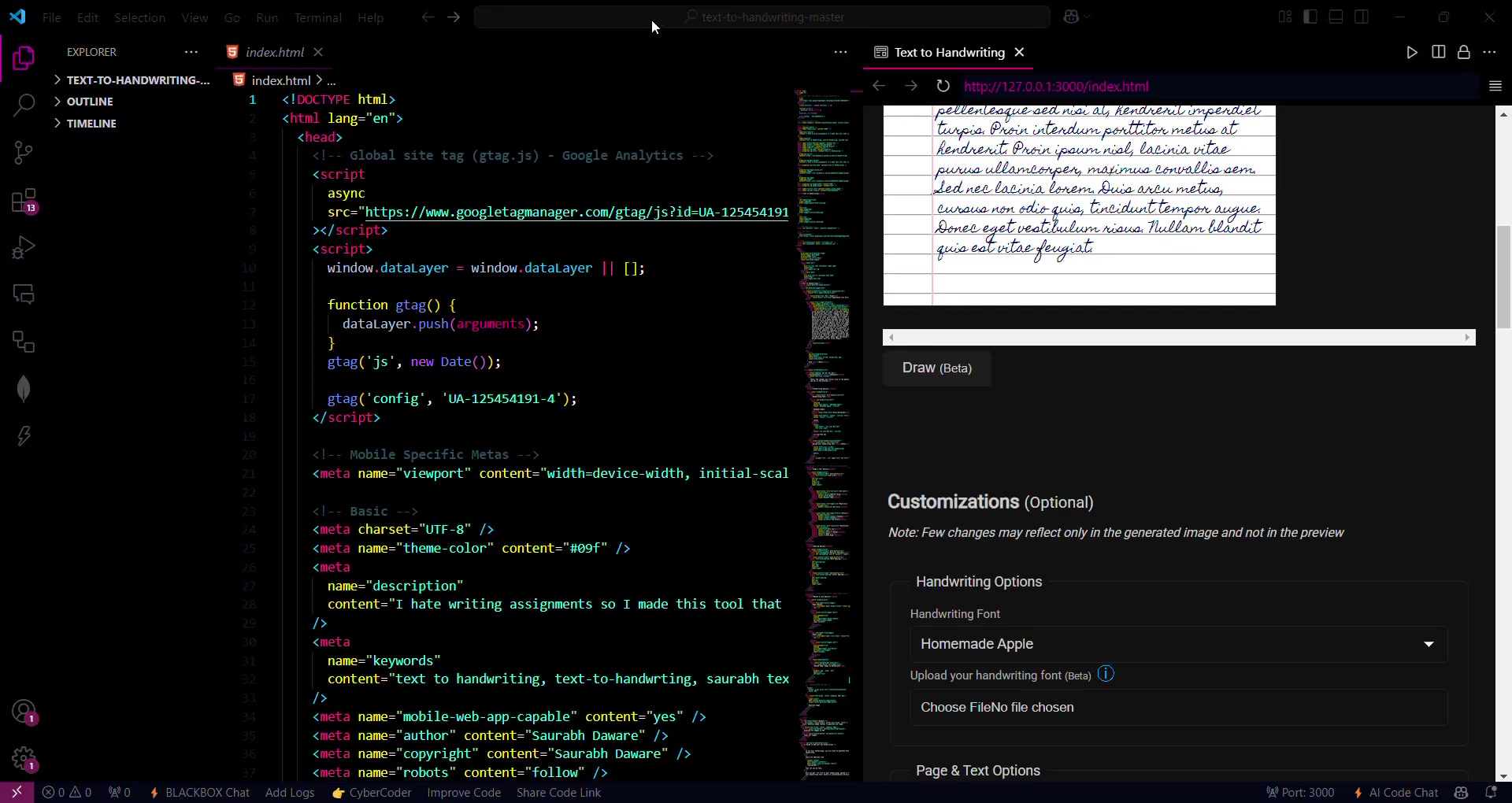
.
- Personalized Notes: Create handwritten notes for a more personal touch in correspondence or gifts .
- Professional Documents: Add a unique Flair to professional documents, such as cover letters or thank-you notes .
- Creative Projects: Generate handwritten content for creative projects, including invitations, scrapbooks, or artistic endeavors .
- Accessibility: Enable individuals with handwriting difficulties to produce handwritten content effortlessly .
By offering a seamless way to transform digital text into personalized handwriting, Scriptify enhances communication, saves time, and maintains a personal touch in a variety of contexts.




Most people like






























Report
Please select a reason for reporting
- 13 Reasons to Switch from Snapchat to Text Messaging
- 7 Powerful Speech to Text Apps to Boost Productivity
- 10 Best Speech to Text Tools for Effortless Transcription
- 13 Free Tools to Easily Transcribe Audio to Text
- 15 Surprising Ways Google's Speech-to-Text Boosts Productivity
- 7 Best Free Online Audio to Text Transcription Tools
- 9 Tips to Transcribe Speech to Text Faster and Better
- 13 Best Speech to Text Software for Windows 10 in 2023
- 7 Tips for Choosing the Best Transcriber for Audio to Text
- 11 Reasons Why Dragon Speech-to-Text Apps are Game-Changers
- 6 Secrets to Enhance Your Speech to Text Transcription
- 6 Brilliant Ways to Boost Productivity with Talk-to-Text on Your MacBook
- 6 Ways Transcription Software Converts Audio to Text
- 8 Tips to Transcribe Speech to Text Like a Pro
- 6 Reasons IBM Watson Speech to Text is a Game-Changer
- 14 Powerful Ways Talk-to-Text Improves Your Workflow
- 12 Top Windows Speech-to-Text Software for Efficient Transcription
- 12 Game-Changing Benefits of Apple's Speech to Text Technology
- 9 Powerful Use Cases for AWS Speech to Text Technology
- 10 Easy Steps to Transcribe YouTube Videos to Text
- transcription audio en texte
- online audio transcription
- free audio file transcription
- free ai audio transcription
- audio transcription service
- audio transcription online free
- audio transcription free online
- audio to transcription software
- audio and transcript
- ai audio transcription free
- voice recording to text converter
- translate voice recording to text
- record voice to text
- audio recording to text converter
- voice recording and transcription
- chatgpt voice to text
- gmail voice to text
- speech to text reader
- speech to text ai free
- speech to talk
- Create Engaging Animated Explainer Videos with a Free AI Tool
- Stop Multi-Subscribing: Benchmark Top AI Visual Models in One Canvas
- Best Seedance 2.5 API Provider: Every Price on the Market, Checked at Source
- AI OnlyFans: How to Generate $30,000/Month (Legally)
- Transform Your Script into an Engaging Video with AI Video Maker!
- AI Marketing Automation: A Comprehensive Guide for Small Businesses
- Midjourney Alternative for Anime Art Creators: Why PixAI May Be Better for Character Workflows
- 10 Things Most People Get Wrong About AI Image Search
- AI Girlfriend Apps: Top Choices Redefining Relationships 2025
- How to Reduce Quoting Errors in Salesforce with AI-Assisted Quote Creation
- AI Resume Builders: EnhanceCV, ResumeNerd AI, & Teal Compared
- ResumeAI: Crafting ATS-Optimized Resumes with AI
- AI in Resume Writing: A New Era for Job Seekers
- AI Resume Tools: Streamline Your Job Search and Land Your Dream Role
- AI Resume Optimization: The Right Way to Land Interviews
- Crafting a Killer Resume with AI: A Step-by-Step Guide
- Crafting a Winning Resume: AI Tools and Expert Tips
- AI Job Search: Level Up Your Career with AI Automation
- Empower Your Career Journey: Dynamic Resumes with AI
- AI Resume Builder: Create Professional Resumes Effortlessly

Copyright ©2026 toolify